
Video Face Swap Generator
Replace a head in your video with one portrait you have permission to use. Keep the original performance and scene while AI adapts the head to the camera angle and lighting.
Source video
Head photo
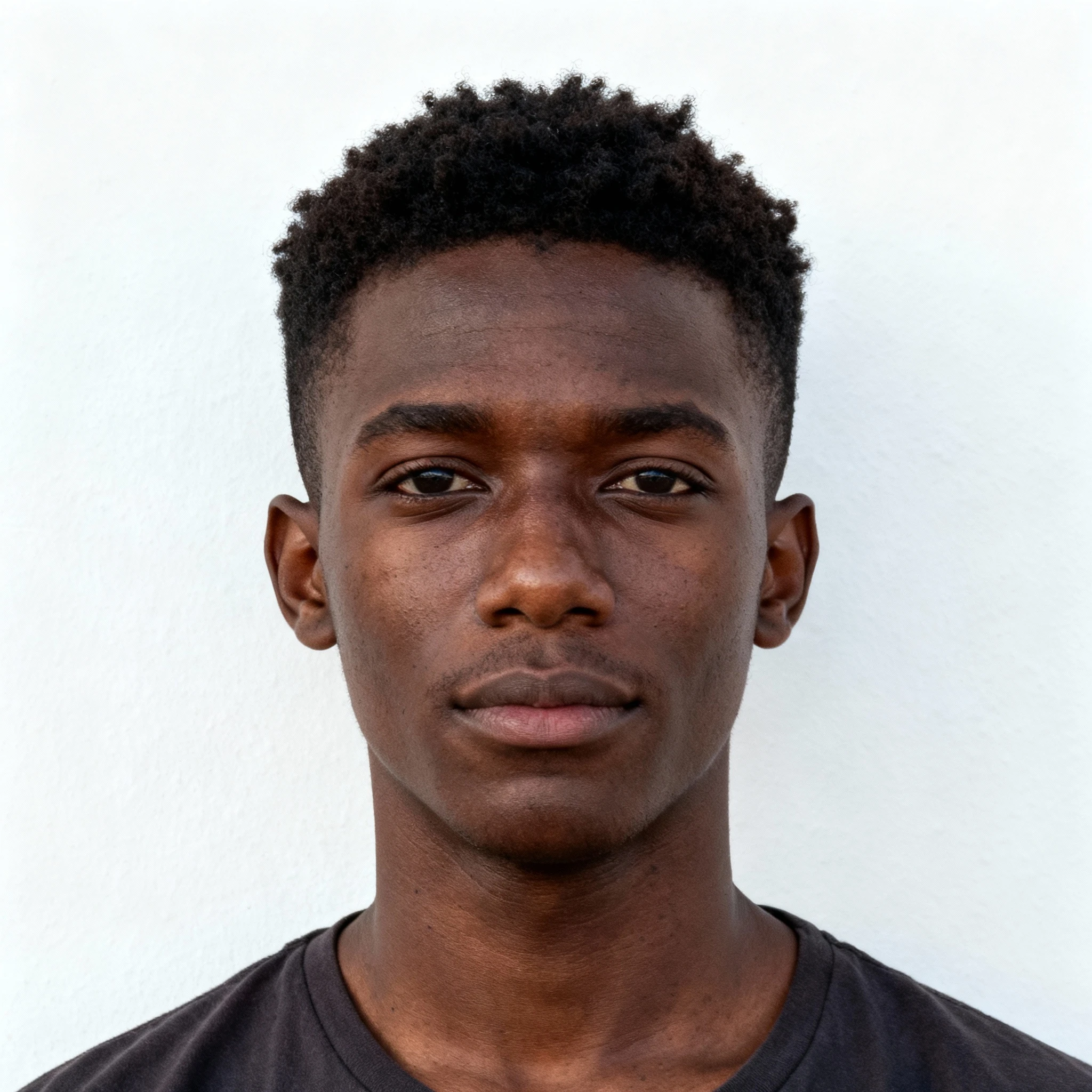
Example result — source clip on the left, head swap on the right
What a video face swap actually takes
A photo face swap changes a still image. Video adds head turns, changing light, expressions, and camera movement. A convincing result needs more than placing a static face over each frame.
Genjutsu AI's Video Face Swap tool uses a source clip and one reference portrait. Under the hood, it performs a head swap: the face, hair and overall head shape can change, while the model aims to preserve the original body movement, clothing and background. Results depend on the source footage and the quality of the portrait.
Start with a clip where the subject is clearly visible. A well-lit, steady shot usually gives the model more useful information than a heavily blurred or obstructed face.
How to swap a face in a video
- Upload your source video. Choose a 3–120 second MP4, MOV, or WebM clip with a clear main subject. Preview your original video before starting.
- Add one reference portrait. Use a sharp front-facing or three-quarter-view image of a person whose likeness you are authorized to use. Neutral lighting and an unobstructed face are recommended.
- Choose the output resolution. Select 480p for a lower-cost result or 720p for higher-resolution output. Multi-person or multi-cut footage may not target the person you expect.
- Review credits and generate. Cost scales with source length (rounded up, min 3s) and resolution. At 480p: 3s ≈ 21 credits (≈$0.25), 10s ≈ 68, 15s ≈ 102; 15s at 720p ≈ 204 (≈$2.40 at the Creator pack rate). We show your exact estimate before you submit.
What video face swap costs
Each generation uses prepaid Genjutsu AI credits. The charge scales with source duration (seconds rounded up, minimum 3 seconds) and resolution. 720p costs about twice as much as 480p. Failed runs are refunded.
Example prices at the Creator pack rate ($9.99 / 850 credits): 480p — 3s ≈ 21 credits (≈$0.25), 10s ≈ 68 credits (≈$0.80), 15s ≈ 102 credits (≈$1.20); 720p — 15s ≈ 204 credits (≈$2.40). Credit packs start at $4.99. Upload your clip to see the exact estimate before you confirm.
Why keeping the original performance matters
You have already captured the movement, timing, and framing you want. Head swap works from that performance rather than asking you to describe a brand-new dance or camera move. The model attempts to adapt the replacement head to the original head movement, lighting and perspective.
There are limits: fast cuts, strong motion blur, hands covering the face and scenes with multiple people can reduce consistency. If an individual shot matters, review the output carefully before publishing.
Video face swap vs. photo face swap
| Photo face swap | Video face swap (this tool) | |
|---|---|---|
| Input | Still images | One source video + one portrait |
| Main challenge | Face angle and lighting | Moving faces, changing perspective and occlusion |
| Output | A single edited image | A processed video |
| Best for | Avatars, still-image memes | Short skits, dances and personal video projects |
If you only need to change a face in a single photo, choose a photo editor. Use this tool when the material you want to edit is already a video.
What changes — and what stays
Changes: the subject's head appearance, including facial features, hairstyle and head shape, based on your authorized reference portrait.
Designed to stay: the original body pose, clothing, surrounding scene and framing. This is a goal of the model, not a frame-perfect guarantee. For full-character replacement, outfit changes or scene edits, explore Genjutsu AI's other video editing workflows instead.
Specs at a glance
| Source video | 3–120 seconds · MP4 / MOV / WebM · ≤100 MB |
| Reference images | Exactly one portrait |
| Output resolution | 480p or 720p (default 480p) |
| Multi-shot input | Accepted; cross-shot identity consistency is not guaranteed |
| Multiple people | No precise target-person selection guaranteed |
| Price | Prepaid credits · billed by duration (ceil, min 3s). 480p: 3s ≈ 21 cr (≈$0.25), 10s ≈ 68 cr, 15s ≈ 102 cr; 720p ≈ 2×. Creator pack $9.99/850 credits |
| Processing time | Varies by video length and provider queue |
| Page language | English, Japanese, Korean, Spanish, Portuguese (Brazil), French, German |
Consent, likeness and responsible use
Use only video and portraits you own or have permission to edit. Obtain the necessary consent before changing a real person's likeness in a video. Do not create deceptive impersonations, misleading endorsements or content intended to make others believe someone said or did something they did not. Follow the site's Terms of Service and the model provider's policies.
What people use video head swaps for
Creators experiment with their own authorized portraits in dance clips, skits, personal storytelling and short-form video. Teams can use authorized footage to prototype fictional or consented character appearances without reshooting the original body movement. Always review the result and get the necessary rights before sharing or commercial use.
FAQ
What is the difference between face swap and head swap?
This tool uses a head-swap model. It may change the face, hair and head outline, while trying to keep the original body, clothes and background. It is not a full-character replacement tool.
How many photos do I need?
One clear reference portrait, plus the video you want to edit. You do not need several reference angles for this tool.
How long can the video be?
Videos from 3 to 120 seconds are accepted, matching the provider billing range. Shorter clips are billed as 3 seconds; longer clips must be trimmed first.
What resolutions are available?
480p and 720p. The credit estimate depends on source duration and selected resolution.
Can I swap a face in a video with several cuts or people?
You can upload a video with cuts, but consistent identity across cuts or accurate selection of one person in a crowd is not guaranteed. A clear single-subject clip is recommended.
Can I change the clothes or the background too?
No. This tool is designed to replace the head while retaining the original body and scene. Use another Genjutsu AI editing workflow for broader changes.
Is video face swap free?
No. Each generation uses prepaid Genjutsu AI credits, billed by source duration (rounded up, minimum 3 seconds) and resolution. At 480p, about 21 credits (≈$0.25) for 3s, 68 for 10s, or 102 for 15s; 720p is about twice that. Approx. USD uses the Creator pack rate ($9.99 / 850 credits). Credit packs start at $4.99. Your exact estimate appears after you upload, before you confirm.
Can I leave the page while the video processes?
Yes. Your job is recorded so you can return to check its status when processing has finished.
Can I use the output commercially?
Only when you have the necessary rights and consent, and your use complies with the site's terms, provider policy and applicable law. The tool itself does not grant rights to anyone's likeness or source footage.
Does it keep the original audio?
Audio behavior depends on the model's output. Check the result before publishing; we do not guarantee preservation of the original soundtrack.
Related tools
Need a short clip swapped fast? Use live face swap.